 cinemasetfree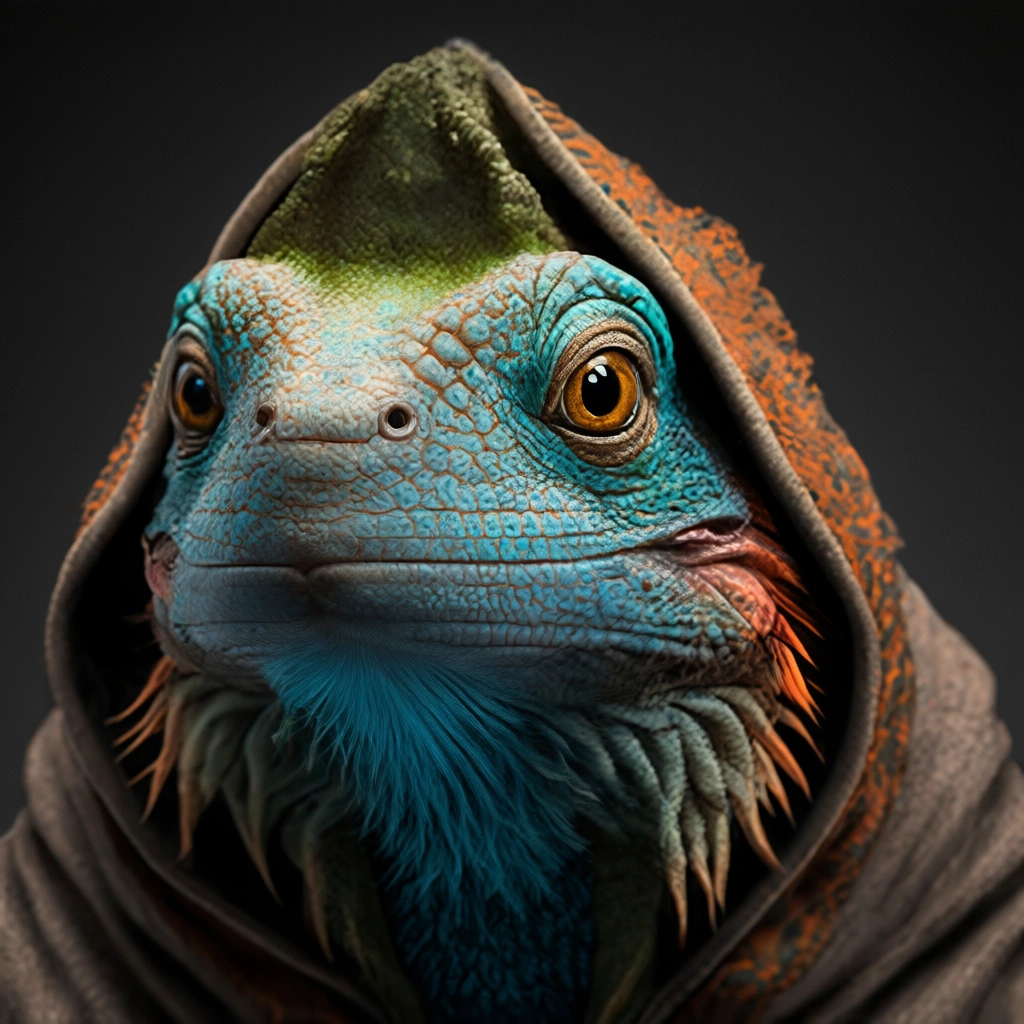
qwen-edit-apps/qwen-image-edit-plus-lora-upscale
Upscale – Detail-loving upscale/restore pass that sharpens textures and color fidelity with the Upscale LoRA.
Capabilities
Cost
Community model (estimated from hardware time)
Input Parameters
| Name | Type | Description | Default | Constraints |
|---|---|---|---|---|
image* | string(uri) | Image file uploaded to Cog (jpeg, png, gif, or webp). | — | — |
aspect_ratio | string | Aspect ratio for the generated image | "match_input_image" | match_input_image1:116:99:164:33:4 |
disable_safety_checker | boolean | Disable safety checker for generated images. | false | — |
go_fast | boolean | If num_inference_steps is omitted, true runs the 8-step Lightning preset and false runs the 40-step detailed preset. | — | — |
lora_scale | number | Strength applied to the selected LoRA. Leave blank for the proxy default. | — | min: 0, max: 4 |
lora_weights | string | LoRA weights to apply. Leave blank to use the proxy's default adapter. | "" | — |
num_inference_steps | integer | Explicit denoising step count (1-40). Leave blank to use the go_fast presets (fast = 8 steps, slow = 40 steps). | — | min: 1, max: 40 |
output_format | string | Format of the output images. | "webp" | webpjpgpng |
output_quality | integer | Quality when saving the output images, from 0 to 100. 100 is best quality, 0 is lowest quality. Not relevant for .png outputs. | 95 | min: 0, max: 100 |
prompt | string | Prompt hint: `Enhance image quality, sharpen fine textures, restore natural colors` and add a quick scene description so the LoRA knows what details to recover. | "Enhance image quality, sharpen fine textures, restore natural colors and contrast" | — |
seed | integer | Random seed. Set for reproducible generation. | — | — |
true_guidance_scale | number | True classifier-free guidance scale passed to the pipeline. | 1 | min: 0, max: 10 |
imagerequiredstringImage file uploaded to Cog (jpeg, png, gif, or webp).
aspect_ratiostringAspect ratio for the generated image
"match_input_image"disable_safety_checkerbooleanDisable safety checker for generated images.
falsego_fastbooleanIf num_inference_steps is omitted, true runs the 8-step Lightning preset and false runs the 40-step detailed preset.
lora_scalenumberStrength applied to the selected LoRA. Leave blank for the proxy default.
lora_weightsstringLoRA weights to apply. Leave blank to use the proxy's default adapter.
""num_inference_stepsintegerExplicit denoising step count (1-40). Leave blank to use the go_fast presets (fast = 8 steps, slow = 40 steps).
output_formatstringFormat of the output images.
"webp"output_qualityintegerQuality when saving the output images, from 0 to 100. 100 is best quality, 0 is lowest quality. Not relevant for .png outputs.
95min: 0, max: 100promptstringPrompt hint: `Enhance image quality, sharpen fine textures, restore natural colors` and add a quick scene description so the LoRA knows what details to recover.
"Enhance image quality, sharpen fine textures, restore natural colors and contrast"seedintegerRandom seed. Set for reproducible generation.
true_guidance_scalenumberTrue classifier-free guidance scale passed to the pipeline.
1min: 0, max: 1023c6dcef1ae2Updated: 10/10/20262.2K runs