 cinemasetfree
Formatting that stays out of the way
Scene headings, action, character, parenthetical, dialogue and transitions, at the margins the industry expects. Tab and Enter move between them. Pages break where a printed script breaks them.
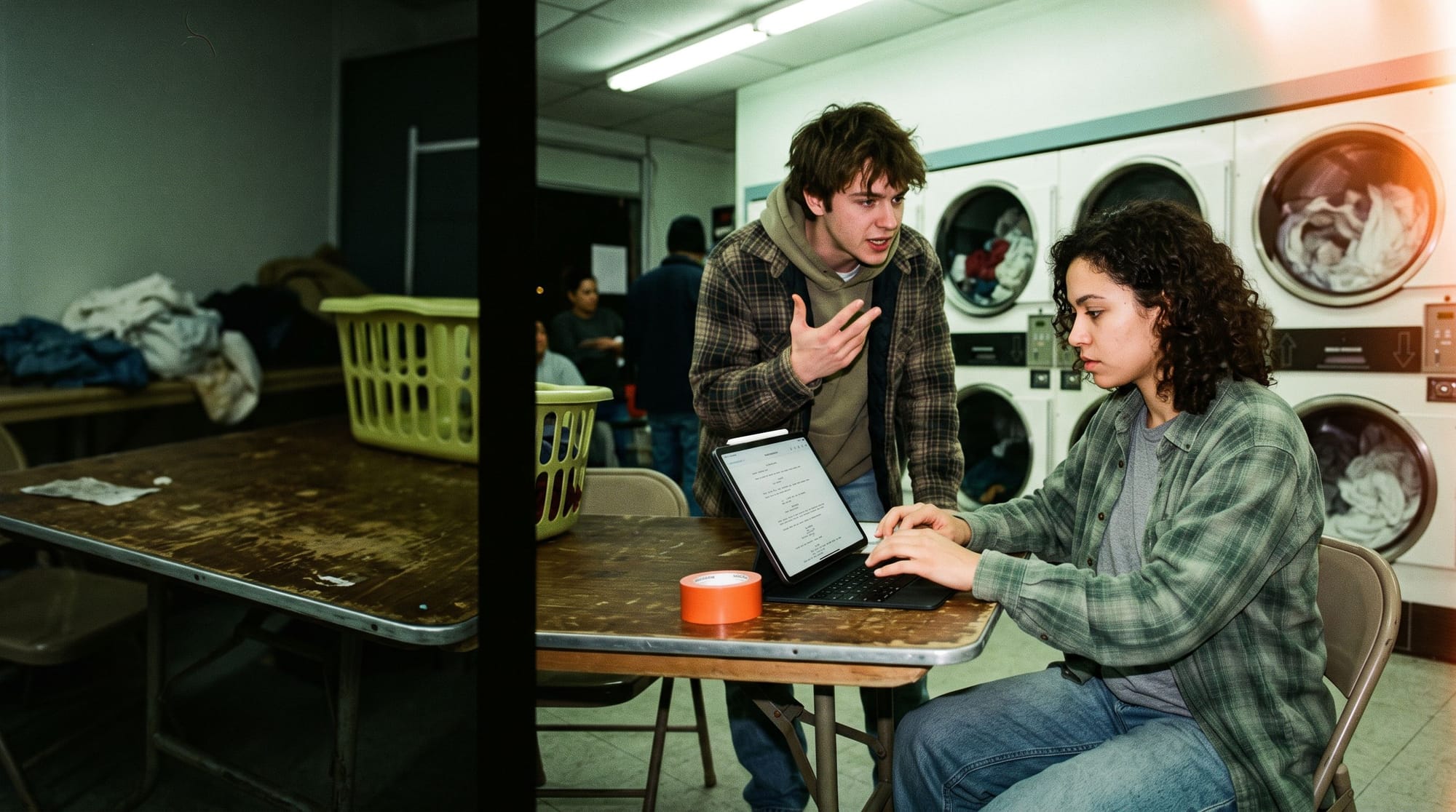

CinemaWriter
The screenplay editor inside Cinema Set Free.
CinemaWriter formats scene headings, action and dialogue as you type, and breaks the pages where a printed script breaks them. When you are done, that same file becomes your scene breakdown, your schedule and your call sheets.
Write in the browser at your desk. Pick the same scene up on a tablet in the van. One draft, on every device you own.
What the editor does, and where writers end up doing it.
Scene headings, action, character, parenthetical, dialogue and transitions, at the margins the industry expects. Tab and Enter move between them. Pages break where a printed script breaks them.
Two characters talking at once, in real columns.


Compare two of them, branch one, or go back to last month's. Nothing you wrote is overwritten by what you wrote next.


Import from PDF, Fountain or Final Draft. Export back out the same way, any time.

The same draft opens on a tablet in the gear room, and the people playing the scene read it off the screen you are holding.
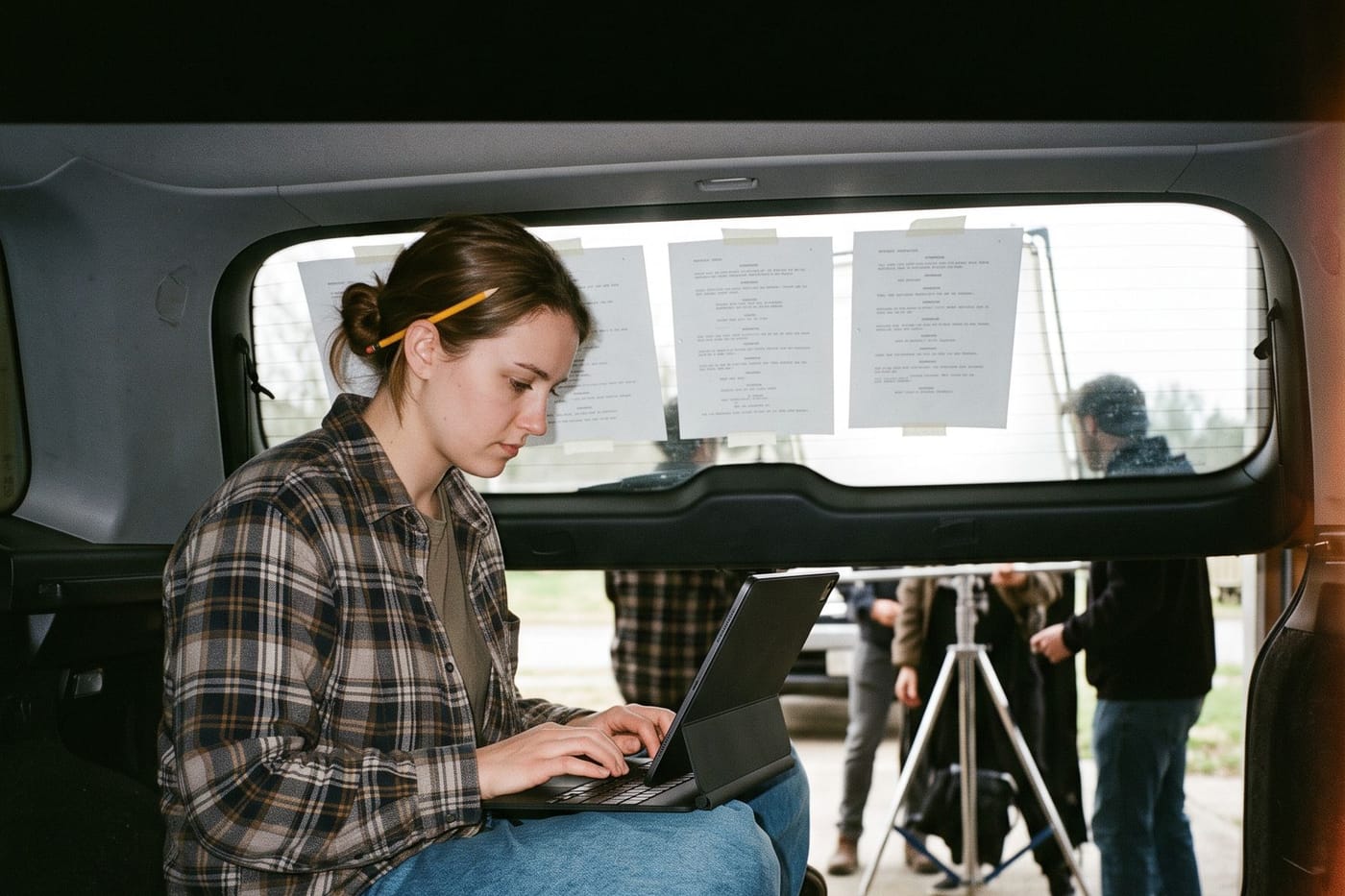
A page changes at lunch. Type it in the back of the van, and the draft everyone opens after lunch is the new one.
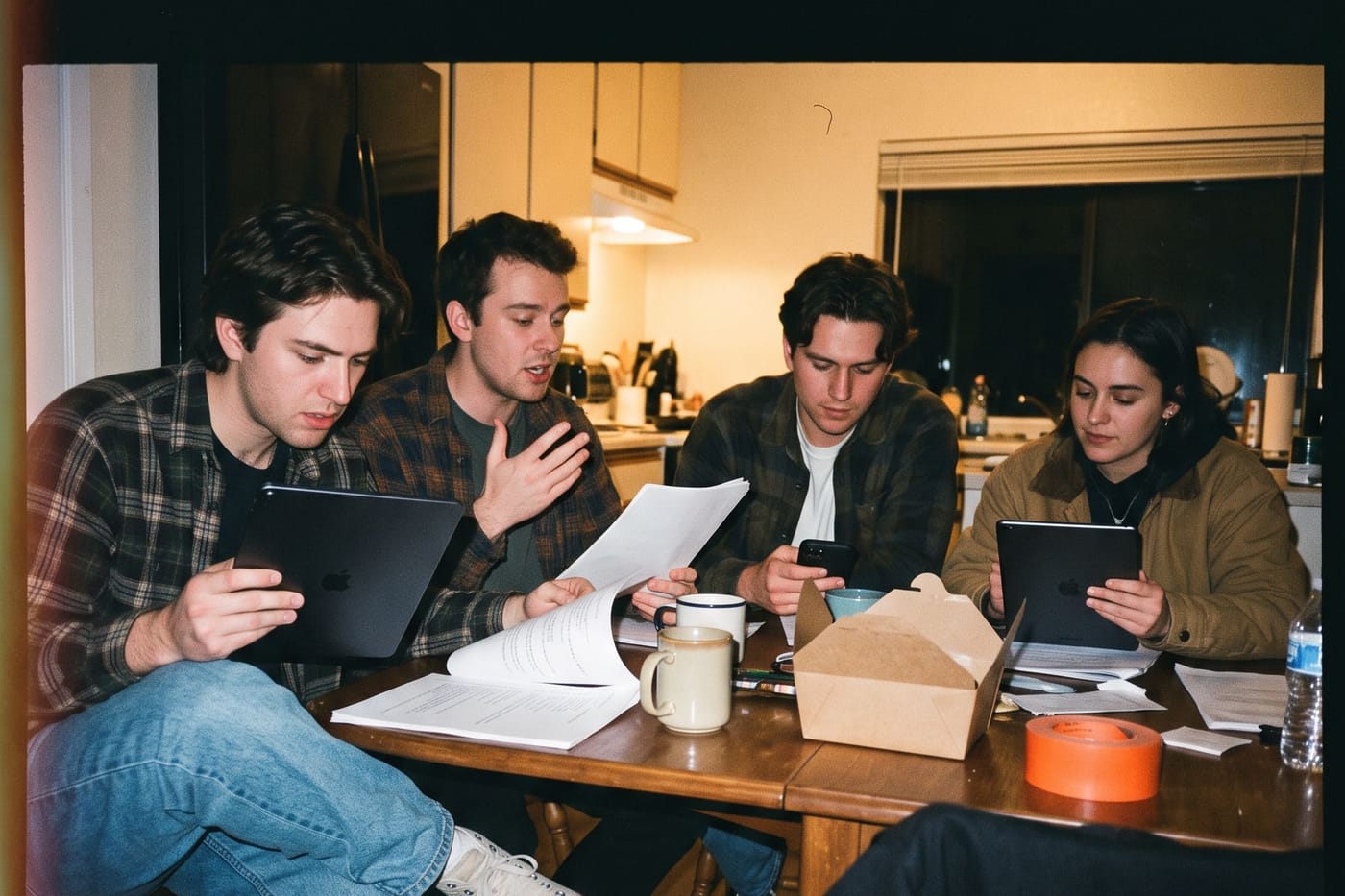
Four people, four screens, one script. Nobody in the room is reading last week's pages.


The finished draft breaks down into scenes, characters, locations and wardrobe inside Cinema Set Free. The same script then drives the stripboard, the schedule, the budget and the call sheets.
Start in the browser. Move to a tablet when you want one.

 Coming soon
 Coming soon
One account across all three. Start a scene in the browser, finish it on a tablet.
Everything is on every device unless this says otherwise.
| What you can do | Browser | iPad | Android tablet |
|---|---|---|---|
| Write with industry formatting | ✓ | ✓ | ✓ |
| Page breaks and a page count as you type | ✓ | ✓ | ✓ |
| Dual-column dialogue | ✓ | ✓ | ✓ |
| A proper title page | ✓ | ✓ | ✓ |
| Jump straight to a scene | ✓ | ✓ | ✓ |
| Find anywhere in the script | ✓ | ✓ | ✓ |
| Undo and redo | ✓ | ✓ | ✓ |
| Hardware keyboard shortcuts | ✓ | ✓ | ✓ |
| Export a PDF, Fountain or Final Draft | ✓ | ✓ | ✓ |
| Import a PDF, Fountain or Final Draft | ✓ | ✓ | in the browser |
| Keep writing with no signal | in an open tab | ✓ | ✓ |
| The same drafts on every device you use | ✓ | ✓ | ✓ |
| Turn the script into scenes, cast and locations | ✓ | in the browser | in the browser |
Breakdown, scheduling and budgeting live in the dashboard. The tablet apps hand off to it.
No. Open the web editor and start typing. An account gets your drafts onto your other devices, and hands the script to the rest of production.
No install, no account, no trial timer. Write a scene and see how it feels.