 cinemasetfree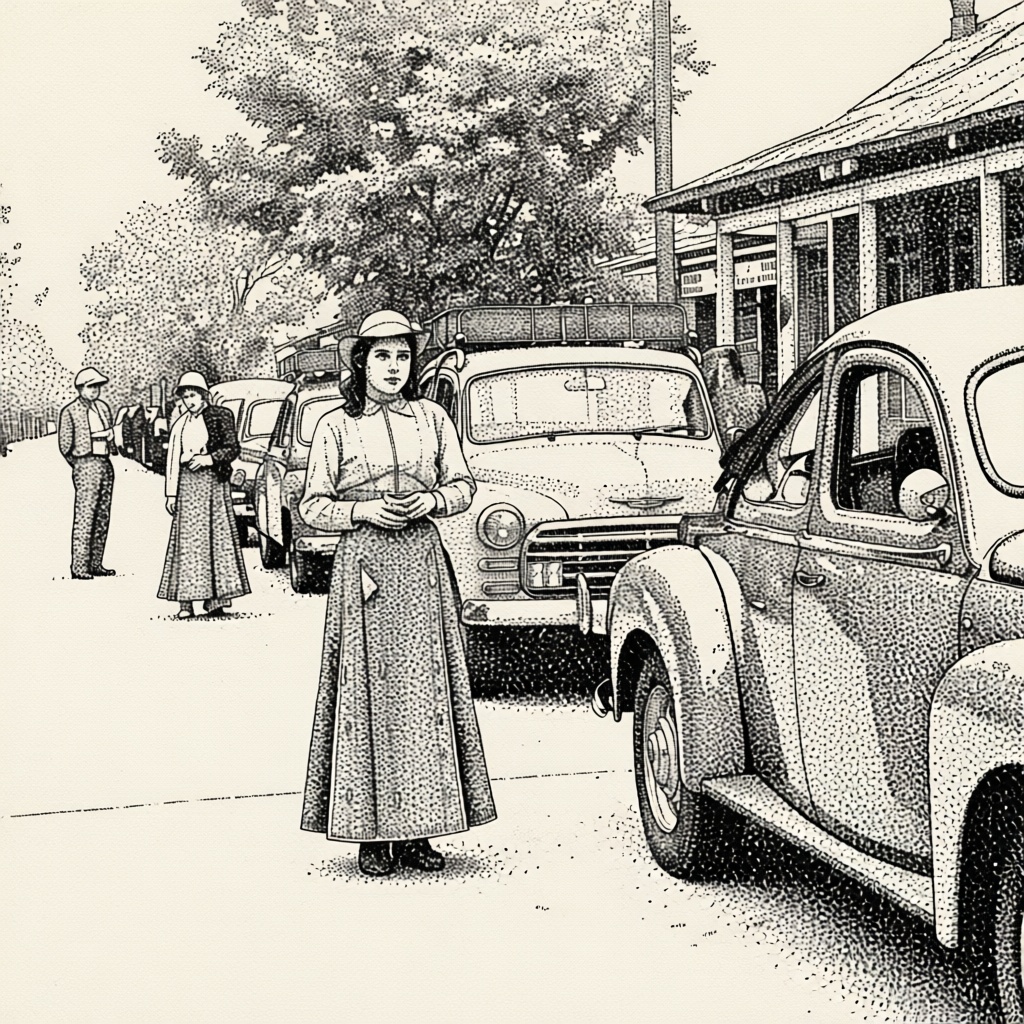
prunaai/p-image-edit-lora
Use trained LoRAs from the https://replicate.com/prunaai/p-image-edit-trainer. Find or contribute LoRAs here: https://huggingface.co/collections/PrunaAI/p-image-edit-loras.
Capabilities
Cost
Community model (estimated from hardware time)
Input Parameters
| Name | Type | Description | Default | Constraints |
|---|---|---|---|---|
lora_weights* | string | Load LoRA weights. Supports HuggingFace URLs in the format huggingface.co/<owner>/<model-name>[/<lora-weights-file.safetensors>]. HuggingFace LoRAs may require an API token to access, which you can provide in the `hf_api_token` input. | — | — |
prompt* | string | Text prompt for image generation. Make sure to describe your edit task clearly. You can refer to the images as 'image 1' and 'image 2' and so on. | — | — |
aspect_ratio | string | Aspect ratio for the generated image. `match_input_image` will match the aspect ratio of the first image. | "match_input_image" | match_input_image1:116:99:164:33:43:22:3 |
disable_safety_checker | boolean | Disable safety checker for generated images. | false | — |
hf_api_token | string(password) | HuggingFace API token. If you're using a HuggingFace LoRAs that needs authentication, you'll need to provide an API token. | — | — |
images | array | Images to use as a reference. For editing task, provide the main image as the first image. | | — |
lora_scale | number | Determines how strongly the main LoRA should be applied. | 1 | min: -1, max: 3 |
seed | integer | Random seed. Set for reproducible generation. | — | — |
turbo | boolean | If turned on, the model will run faster with additional optimizations. For complicated tasks, it is recommended to turn this off. | true | — |
lora_weightsrequiredstringLoad LoRA weights. Supports HuggingFace URLs in the format huggingface.co/<owner>/<model-name>[/<lora-weights-file.safetensors>]. HuggingFace LoRAs may require an API token to access, which you can provide in the `hf_api_token` input.
promptrequiredstringText prompt for image generation. Make sure to describe your edit task clearly. You can refer to the images as 'image 1' and 'image 2' and so on.
aspect_ratiostringAspect ratio for the generated image. `match_input_image` will match the aspect ratio of the first image.
"match_input_image"disable_safety_checkerbooleanDisable safety checker for generated images.
falsehf_api_tokenstringHuggingFace API token. If you're using a HuggingFace LoRAs that needs authentication, you'll need to provide an API token.
imagesarrayImages to use as a reference. For editing task, provide the main image as the first image.
lora_scalenumberDetermines how strongly the main LoRA should be applied.
1min: -1, max: 3seedintegerRandom seed. Set for reproducible generation.
turbobooleanIf turned on, the model will run faster with additional optimizations. For complicated tasks, it is recommended to turn this off.
true344e6631da82Updated: 10/10/2026372.0K runs