 cinemasetfree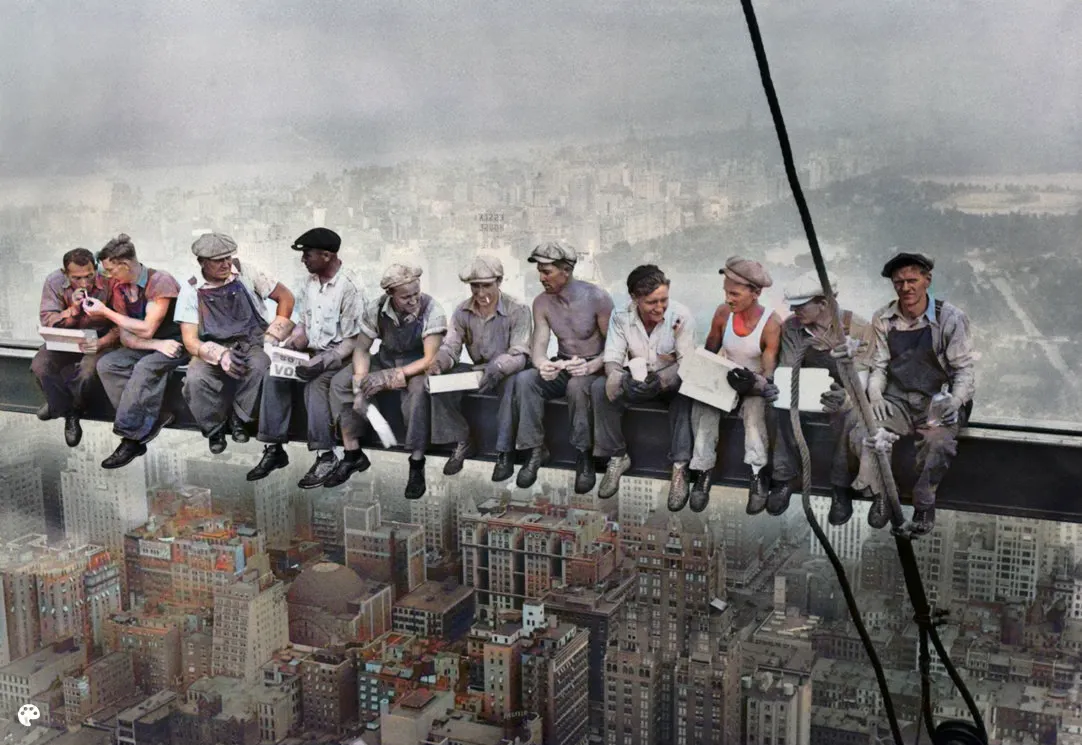
arielreplicate/deoldify_image
Add colours to old images
Capabilities
Cost
Community model (estimated from hardware time)
Input Parameters
| Name | Type | Description | Default | Constraints |
|---|---|---|---|---|
input_image* | string(uri) | Path to an image | — | — |
model_name* | string | Which model to use: Artistic has more vibrant color but may leave important parts of the image gray.Stable is better for nature scenery and is less prone to leaving gray human parts | — | ArtisticStable |
render_factor | integer | The default value of 35 has been carefully chosen and should work -ok- for most scenarios (but probably won't be the -best-). This determines resolution at which the color portion of the image is rendered. Lower resolution will render faster, and colors also tend to look more vibrant. Older and lower quality images in particular will generally benefit by lowering the render factor. Higher render factors are often better for higher quality images, but the colors may get slightly washed out. | 35 | — |
input_imagerequiredstringPath to an image
model_namerequiredstringWhich model to use: Artistic has more vibrant color but may leave important parts of the image gray.Stable is better for nature scenery and is less prone to leaving gray human parts
render_factorintegerThe default value of 35 has been carefully chosen and should work -ok- for most scenarios (but probably won't be the -best-). This determines resolution at which the color portion of the image is rendered. Lower resolution will render faster, and colors also tend to look more vibrant. Older and lower quality images in particular will generally benefit by lowering the render factor. Higher render factors are often better for higher quality images, but the colors may get slightly washed out.
350da600fab0c4Updated: 10/10/2026473.3K runs