 cinemasetfree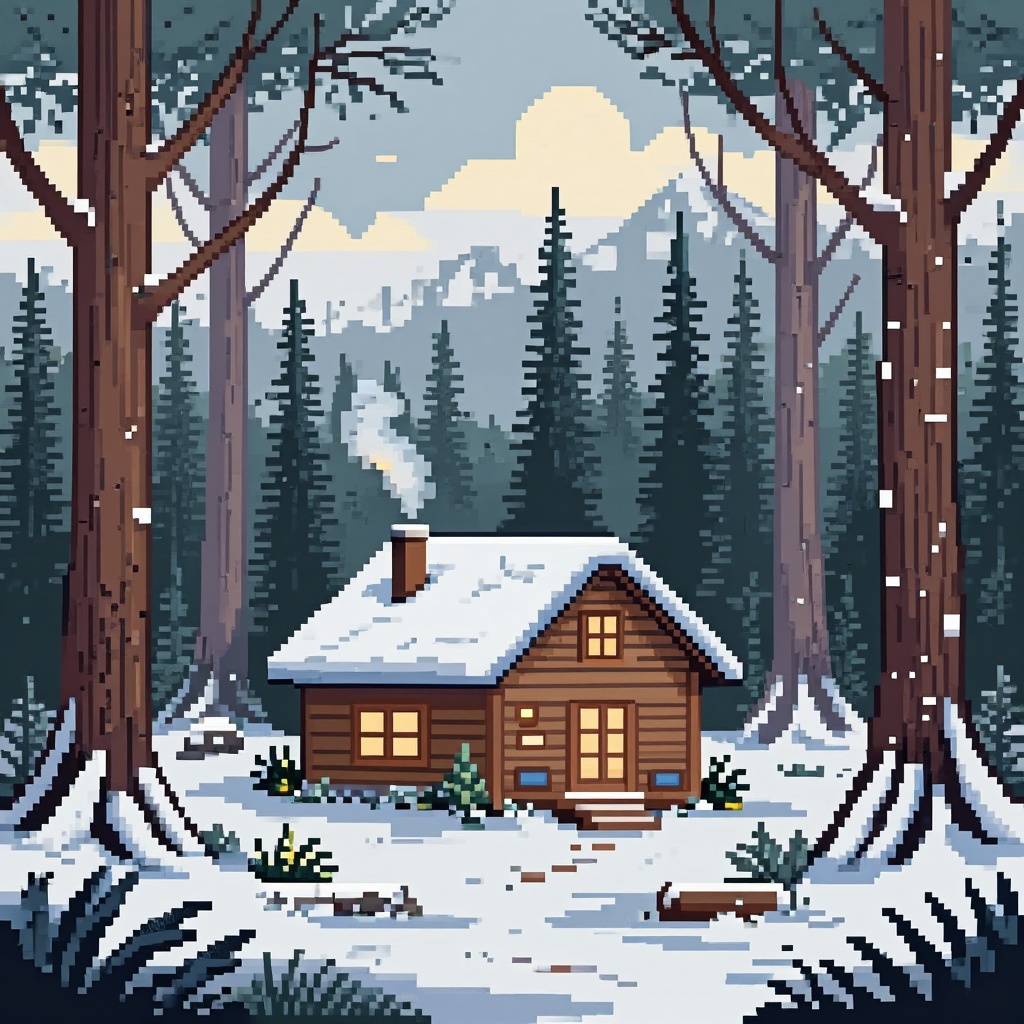
prunaai/p-image-lora
Use trained LoRAs from the https://replicate.com/prunaai/p-image-trainer. Find or contribute LoRAs here https://huggingface.co/collections/PrunaAI/p-image-loras
Capabilities
Cost
$0.005 / image
Input Parameters
| Name | Type | Description | Default | Constraints |
|---|---|---|---|---|
prompt* | string | Text prompt for image generation. | — | — |
aspect_ratio | string | Aspect ratio for the generated image. | "16:9" | 1:116:99:164:33:43:22:3custom |
disable_safety_checker | boolean | Disable safety checker for generated images. | false | — |
height | integer | Height of the generated image. Only used when aspect_ratio=custom. Must be a multiple of 16. | — | min: 256, max: 1440 |
hf_api_token | string(password) | HuggingFace API token. If you're using a HuggingFace LoRAs that needs authentication, you'll need to provide an API token. | — | — |
lora_scale | number | Determines how strongly the main LoRA should be applied. 0.5 usually works well for most LoRAs. | 0.5 | min: -1, max: 3 |
lora_weights | string | Load LoRA weights. Supports HuggingFace URLs in the format huggingface.co/<owner>/<model-name>[/<lora-weights-file.safetensors>]. HuggingFace LoRAs may require an API token to access, which you can provide in the `hf_api_token` input. | — | — |
prompt_upsampling | boolean | upsample the prompt with an llm | false | — |
seed | integer | Random seed. Set for reproducible generation. | — | — |
width | integer | Width of the generated image. Only used when aspect_ratio=custom. Must be a multiple of 16. | — | min: 256, max: 1440 |
promptrequiredstringText prompt for image generation.
aspect_ratiostringAspect ratio for the generated image.
"16:9"disable_safety_checkerbooleanDisable safety checker for generated images.
falseheightintegerHeight of the generated image. Only used when aspect_ratio=custom. Must be a multiple of 16.
hf_api_tokenstringHuggingFace API token. If you're using a HuggingFace LoRAs that needs authentication, you'll need to provide an API token.
lora_scalenumberDetermines how strongly the main LoRA should be applied. 0.5 usually works well for most LoRAs.
0.5min: -1, max: 3lora_weightsstringLoad LoRA weights. Supports HuggingFace URLs in the format huggingface.co/<owner>/<model-name>[/<lora-weights-file.safetensors>]. HuggingFace LoRAs may require an API token to access, which you can provide in the `hf_api_token` input.
prompt_upsamplingbooleanupsample the prompt with an llm
falseseedintegerRandom seed. Set for reproducible generation.
widthintegerWidth of the generated image. Only used when aspect_ratio=custom. Must be a multiple of 16.
877c717033ffUpdated: 11/7/2026285.0K runs